
Add subtitlesto any video.
CAPWAV listens to your video and writes the subtitles for you, timed to the speech. Style them, fix any word, then burn them into the video or download a subtitle file.
Classic Subtitle · you'll see it on your own video before captions are made. Only the audio is sent to be transcribed.
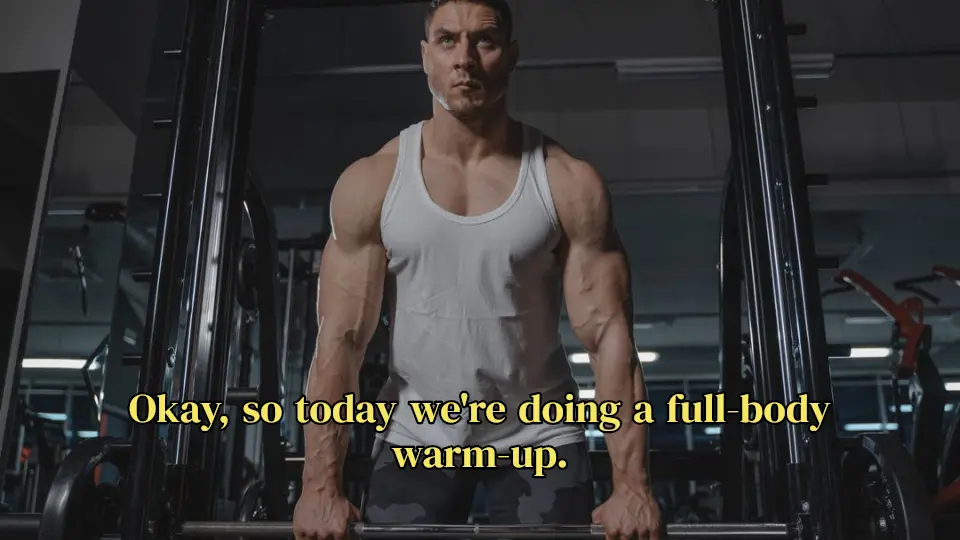

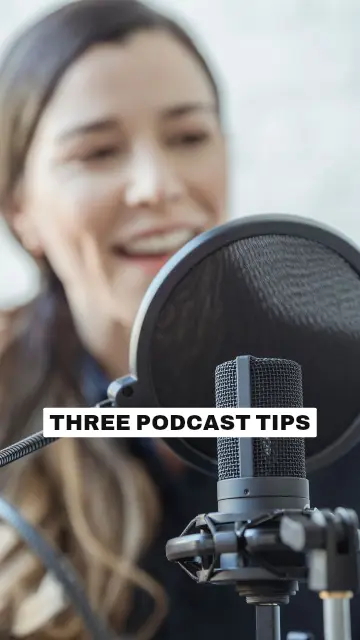
Subtitles without typing
Typing subtitles by hand takes hours. CAPWAV transcribes the speech and places each line at the moment it's spoken, in 90+ languages, so a short video is ready to review in minutes.
Choose the spoken language before you start for the best accuracy, or let CAPWAV detect it.
 workout.mp4Subtitles readySpoken language: English
- 0:00.2Okay, so today we're doing
- 0:02.2a full-body warm-up.
- 0:03.5Keep your core tight
- 0:05.1and breathe out slowly.
Easy to read on any screen
Pick a classic subtitle style or something bolder for social video, then adjust the font, size, colours, background box and position.
Long lines wrap and subtitles keep to safe margins, so nothing runs off the edge of a phone screen.


Burned in, or as a file
Export an MP4 with the subtitles burned into the picture, so they show everywhere — even in apps that can't load subtitle files.
Or download SRT and VTT files for YouTube, a video player or a client. Subtitle files are free on every plan.
2
00:00:02,234 --> 00:00:03,470
a full-body warm-up.

3
00:00:03,530 --> 00:00:05,044
Keep your core tight
How to add subtitles to videoin three steps.
- Step 01
Upload your video
Add an MP4, MOV or WebM from your phone or computer and choose its spoken language.
- Step 02
Generate and check
CAPWAV writes the subtitles. Click any word to correct it, or move a line on the timeline.
- Step 03
Export
Burn the subtitles into the video, or download SRT, VTT or TXT.
How do I add subtitles to a video for free?
Create a free account, upload your video and CAPWAV writes the subtitles automatically. The Free plan includes 2 minutes of subtitles a month; exported videos carry the CAPWAV watermark, and SRT, VTT and TXT downloads are included.
Can I edit the subtitles?
Yes. Click any word to change it, split or join lines, and drag a line on the timeline to change when it shows.
Which video files work?
MP4, MOV and WebM files that your browser can play. Videos with up to about 15 minutes of speech can be subtitled today.
Does my video get uploaded?
No. Your video stays on your device and is previewed and exported in your browser. Only the audio is sent to be transcribed.
Discover more tools
- Auto caption generatorWord-by-word captions for short videos, styled and burned in.
- Burn subtitles into videoHardcoded captions that show on every platform.
- Transcribe video to textA word-timed transcript as TXT, SRT or VTT.
- SRT to VTT converterConvert SRT to VTT, VTT to SRT, or either to text.
Your next reel is
one upload away.
Start free with 2 minutes of captions a month. Upgrade when you're posting more.