
Subtitles inanother language.
Speak in one language, caption in another. CAPWAV transcribes the speech, translates the captions and keeps every line in step with the video, so one video can reach viewers in 75 languages.
Clean · you'll see it on your own video before captions are made. Only the audio is sent to be transcribed.
Translation is part of the Creator and Pro plans.

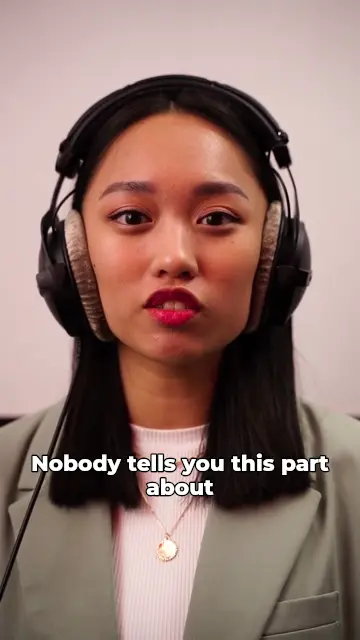

Translated as the captions are made
When you start a video, choose the language spoken in it, tick Translate and pick the language the captions should be in. CAPWAV transcribes, translates and times the captions in one go.
Translate a Spanish video into English, an English one into Hindi, or a Hindi one into Arabic: any of 90+ spoken languages into any of 75 caption languages.
 workout.mp4Subtitles readySpoken language: English
- 0:00.2Okay, so today we're doing
- 0:02.2a full-body warm-up.
- 0:03.5Keep your core tight
- 0:05.1and breathe out slowly.
Check it, style it, ship it
Read through the translation in the editor and change any word: names and product terms are worth a look. Style the captions like any others, then burn them in or download SRT, VTT and TXT.
Right-to-left languages such as Arabic and Hebrew are laid out right to left, and every script gets a font that draws it.

2
00:00:02,234 --> 00:00:03,470
a full-body warm-up.

3
00:00:03,530 --> 00:00:05,044
Keep your core tight
One video, many audiences
Make one project per language from the same clip, keep the same caption style across them, and post each version where its viewers are. Our guide to translating a video's subtitles covers what to check.
Ready for Instagram Reels, YouTube Shorts, TikTok and Snapchat
How to translate video subtitlesin three steps.
- Step 01
Upload your video
Drop the clip and choose the language spoken in it.
- Step 02
Tick Translate
Pick the caption language. CAPWAV transcribes, translates and times the captions.
- Step 03
Export or download
Check the words, then export the video with the translated captions burned in, or download SRT and VTT.
Which plans include translation?
Creator and Pro. Transcription in the spoken language works on every plan.
Which languages can I translate into?
75 widely spoken languages, including English, Spanish, Hindi, Arabic, French, Portuguese, Japanese and Korean.
Can I translate captions I've already made?
Translation happens when the captions are made. For another language, start a new project from the same clip and tick Translate.
Can I translate an existing SRT file?
No: CAPWAV makes and translates captions from the video's speech; it doesn't open subtitle files.
Discover more tools
- Subtitle generatorAutomatic subtitles in 90+ languages, as SRT, VTT or burned in.
- Add subtitles to videoTimed subtitles from the speech, burned in or as a file.
- Spanish subtitle generatorCaptions and subtitles in Spanish (Español), timed to every word.
- English subtitle generatorCaptions and subtitles in English (English), timed to every word.
Your next reel is
one upload away.
Start free with 2 minutes of captions a month. Upgrade when you're posting more.