
Remove silencesand filler words.
AI Cut finds the pauses and the um's and uh's in your video and cuts them for you. Every cut stays a switch you can turn off, and the captions stay in sync.
Clean · you'll see it on your own video before captions are made. Only the audio is sent to be transcribed.
Try it on any plan. Exporting AI cuts needs the Creator or Pro plan.
Pauses found from the words and the sound
AI Cut looks at the gaps between your words and checks the audio is really quiet there, so a breath before a punchline isn't mistaken for noise.
You choose the shortest pause to cut and how much breathing room to keep around each one.
Filler words, gone
Hesitation sounds like um and uh are found in the transcript and cut out. Real words are never treated as filler.
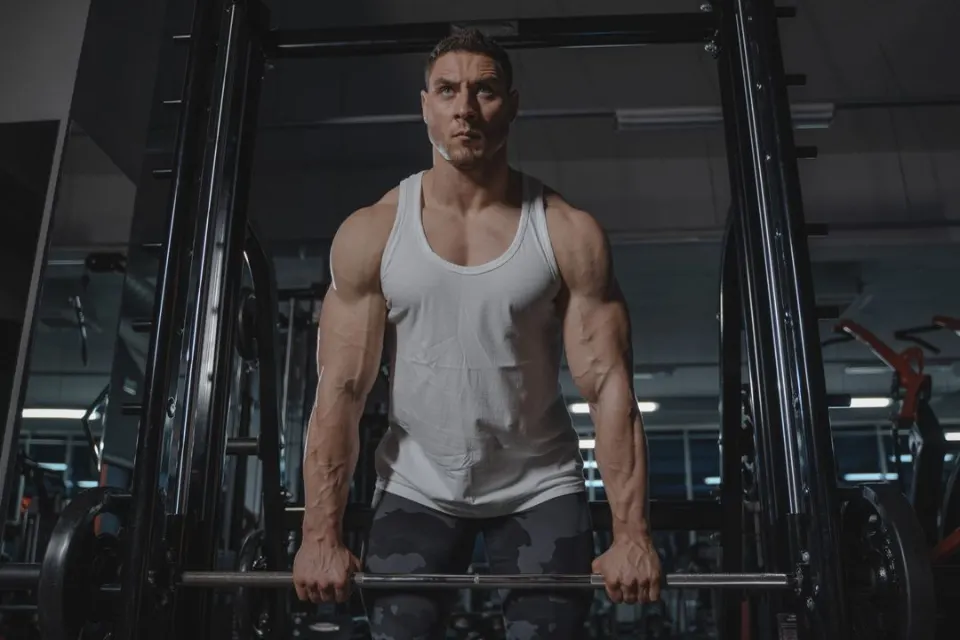 workout.mp4Subtitles readySpoken language: English
- 0:00.2Okay, so today we're doing
- 0:02.2a full-body warm-up.
- 0:03.5Keep your core tight
- 0:05.1and breathe out slowly.
Every cut is reversible
Cuts show on the timeline and are struck through in the captions; click one to restore it. Playback skips the cuts so you hear the result, and the export fades the sound at every join, so there are no clicks.
How to remove silences from videoin three steps.
- Step 01
Upload your video
Add a clip and choose its spoken language. CAPWAV transcribes it.
- Step 02
Turn on AI Cut
Pick the shortest pause to remove and whether to cut filler words, then review the cuts.
- Step 03
Export
Export the tighter video with captions in sync (Creator or Pro), or restore the cuts to export on Free.
Is AI Cut free?
You can try AI Cut and preview the result on any plan. Exporting a video with AI cuts needs Creator or Pro; cuts you make by hand export on every plan.
Will it cut words I want to keep?
It only cuts pauses and hesitation sounds like um and uh. Every cut is listed, and you can restore any of them with a click.
Do the captions stay in sync?
Yes. Captions follow the cuts automatically, so they still match the speech.
Will the cuts sound choppy?
Each join gets a short fade so there are no clicks, and you choose how much breathing room to leave around each cut.
Discover more tools
- Auto caption generatorWord-by-word captions for short videos, styled and burned in.
- Resize video for ReelsLandscape to 9:16 that follows the speaker.
- Add subtitles to videoTimed subtitles from the speech, burned in or as a file.
- Transcribe video to textA word-timed transcript as TXT, SRT or VTT.
Your next reel is
one upload away.
Start free with 2 minutes of captions a month. Upgrade when you're posting more.