
Subtitles,generated for you.
Upload a video and CAPWAV listens to the speech and writes the subtitles, timed to every word, in any of 90+ languages. Correct anything, then download the subtitle file or export the video with the subtitles burned in.
Classic Subtitle · you'll see it on your own video before captions are made. Only the audio is sent to be transcribed.
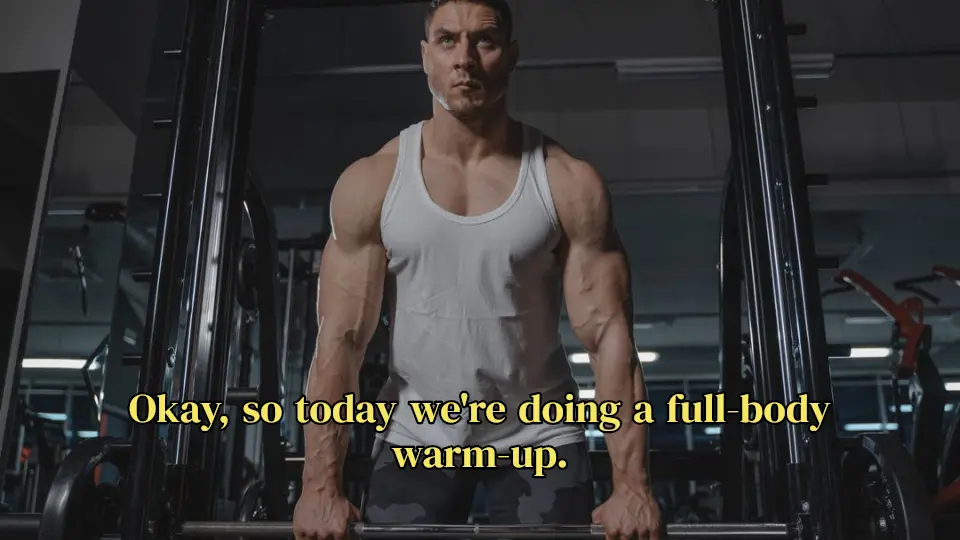
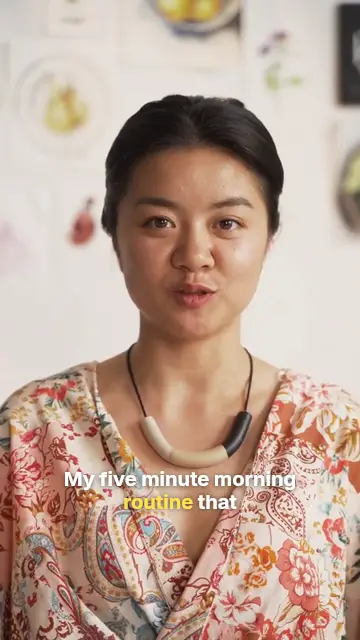
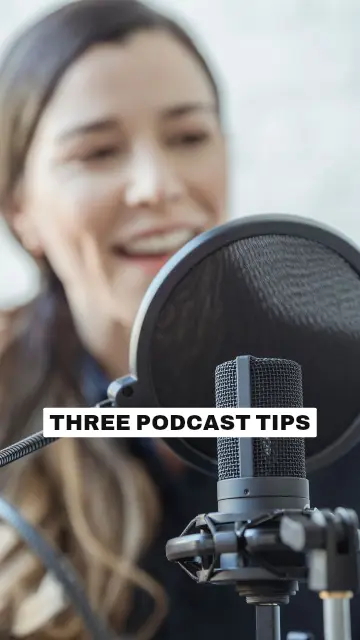
From speech to subtitles, automatically
Choose the language spoken in the video and CAPWAV transcribes it, splitting the text into readable subtitle lines and timing each one to the voice. Nothing to type, nothing to sync by hand.
Fix a word by clicking it; the timing stays in step. Your video stays on your device, and only the audio is sent to be transcribed.
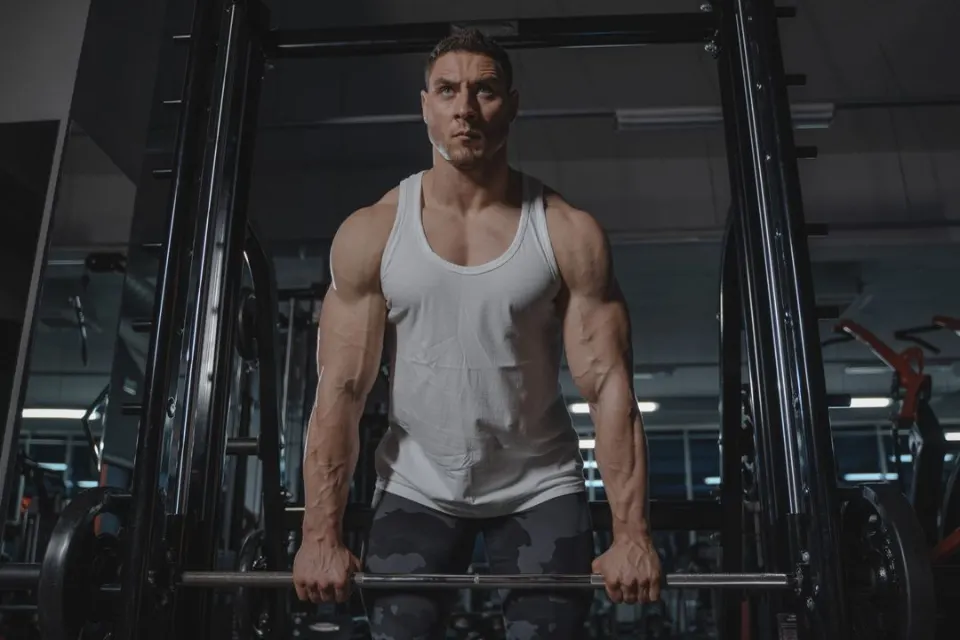 workout.mp4Subtitles readySpoken language: English
- 0:00.2Okay, so today we're doing
- 0:02.2a full-body warm-up.
- 0:03.5Keep your core tight
- 0:05.1and breathe out slowly.
SRT, VTT and TXT, free
Download the subtitles as SRT or VTT for YouTube, Facebook, LinkedIn, video editors and web players, or as a TXT transcript. Subtitle downloads are free on every plan, including Free.
Not sure which format you need? Read SRT vs VTT, or convert one into the other with the free subtitle converter.
2
00:00:02,234 --> 00:00:03,470
a full-body warm-up.

3
00:00:03,530 --> 00:00:05,044
Keep your core tight
Subtitles in 90+ languages
CAPWAV subtitles speech in 90+ languages, with fonts for every script and right-to-left layout for Arabic and Hebrew. See the Spanish, Hindi, Arabic, Japanese and other language pages.
On the Creator and Pro plans, subtitles can also be translated into 75 languages as they're made. See how to translate a video's subtitles.
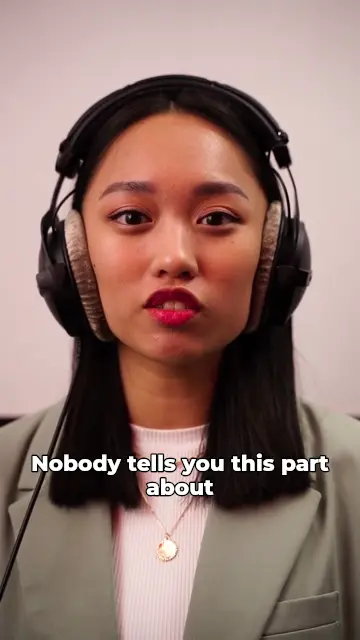
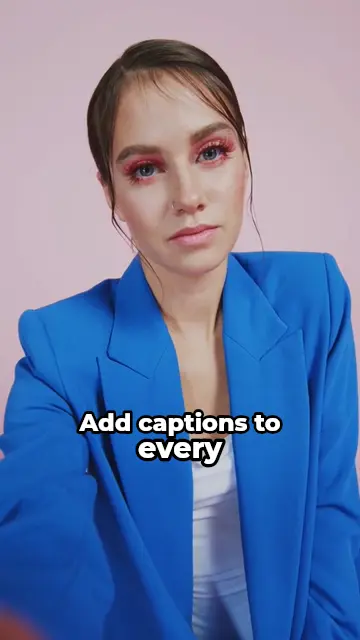

How to subtitle generatorin three steps.
- Step 01
Upload your video
Drop a video file and choose the language spoken in it.
- Step 02
Generate the subtitles
CAPWAV transcribes the speech and times every subtitle line to it. Correct any word.
- Step 03
Download or burn in
Download SRT, VTT or TXT, or export the video with the subtitles styled and burned in.
Is the subtitle generator free?
The Free plan includes 2 minutes of transcription a month, and SRT, VTT and TXT downloads are free on every plan. Videos exported on Free carry the CAPWAV watermark; paid plans add minutes and remove it.
Do I need an account?
Yes, a free account, so your projects and minutes are saved. The SRT/VTT converter and the timing fixer work without one.
What files can I upload?
Video files such as MP4, MOV and WebM, up to about 15 minutes of speech per video.
How accurate are the subtitles?
Accuracy depends on the language and the audio: clear speech in widely spoken languages comes out very well. Every word can be corrected before you download or export.
Can I translate the subtitles?
Yes, on the Creator and Pro plans: tick Translate when the subtitles are made and choose one of 75 languages.
Discover more tools
- Add subtitles to videoTimed subtitles from the speech, burned in or as a file.
- SRT generatorTurn a video's speech into an SRT subtitle file.
- Translate video subtitlesCaptions translated into 75 languages as they're made.
- Transcribe video to textA word-timed transcript as TXT, SRT or VTT.
Your next reel is
one upload away.
Start free with 2 minutes of captions a month. Upgrade when you're posting more.