
Video captionsthat keep people watching.
Plenty of social video is watched with the sound off. CAPWAV generates captions that move with your voice — highlighted words, pop-ins and karaoke fills — so viewers follow every line.
Karaoke Fill · you'll see it on your own video before captions are made. Only the audio is sent to be transcribed.
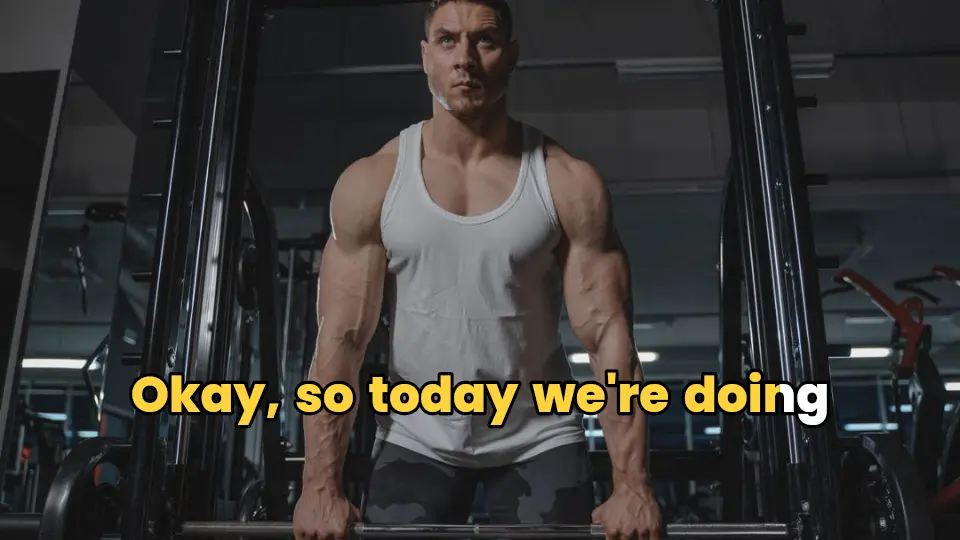
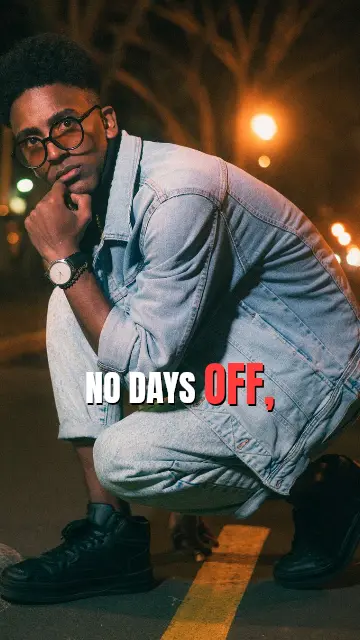

Captions that move with your voice
Every word is timed to your speech, so the word being said can light up, grow or change colour as you say it. Choose a karaoke fill, a box highlight, a bounce, or a calm one-line subtitle.
53 animation presets drive the 358 styles, and you can change any style's animation.
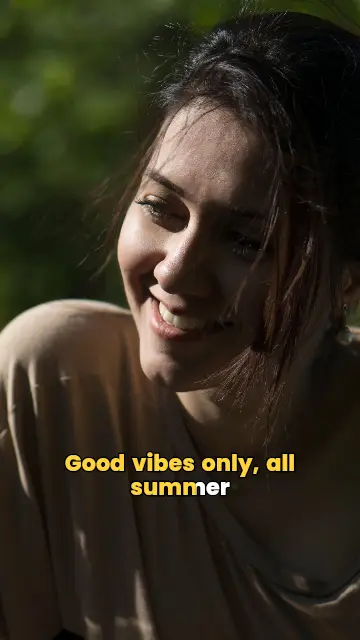
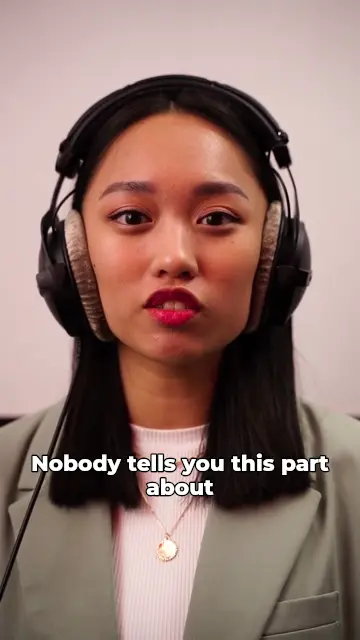
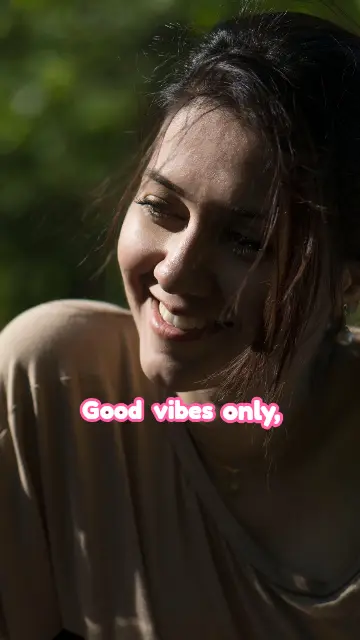
Highlight what matters
Mark important words to make them bigger or a different colour. On the Pro plan, AI emphasis picks the key words for you and can add a fitting emoji.

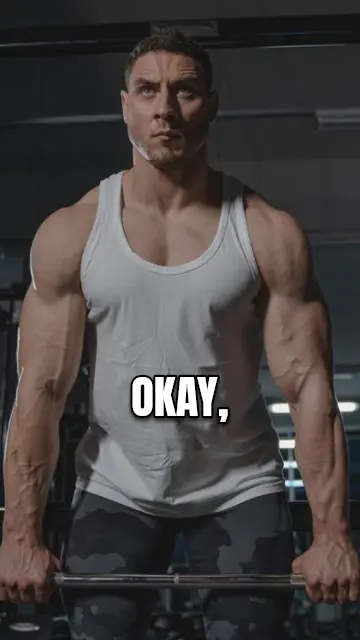
Your brand in every caption
Save your fonts, colours and logo in a Brand Kit and apply it to any style in one click (Creator and Pro plans).
How to video caption generatorin three steps.
- Step 01
Upload your video
Add a clip from your phone or computer and choose its spoken language.
- Step 02
Choose a style
Preview the styles on your own video, then CAPWAV generates the captions.
- Step 03
Export
Fine-tune any word or animation and export the video with captions burned in.
What's the difference between captions and subtitles?
People use the words interchangeably. Subtitles usually mean a plain line of text at the bottom; social captions are styled and animated to hold attention. CAPWAV does both: pick a plain style or an animated one.
Which languages are supported?
90+ languages. Each script uses fonts made for it, and right-to-left languages are laid out correctly.
Can I use my own font?
Yes. On the Creator and Pro plans, upload a font you own or have a licence for to your Brand Kit, and it's available in every style.
Is it free?
The Free plan includes 2 minutes of captions a month, every free style, and exports with the CAPWAV watermark. Paid plans add minutes, premium styles and no watermark.
Discover more tools
- Auto caption generatorWord-by-word captions for short videos, styled and burned in.
- Add subtitles to videoTimed subtitles from the speech, burned in or as a file.
- Burn subtitles into videoHardcoded captions that show on every platform.
- Resize video for ReelsLandscape to 9:16 that follows the speaker.
Your next reel is
one upload away.
Start free with 2 minutes of captions a month. Upgrade when you're posting more.