
Auto captionsfor Reels and Shorts.
Upload a clip and CAPWAV writes the captions for you, timed to each word, in any of 90+ languages. Pick a style, change anything, and export the video with the captions burned in.
Bold Pop · you'll see it on your own video before captions are made. Only the audio is sent to be transcribed.
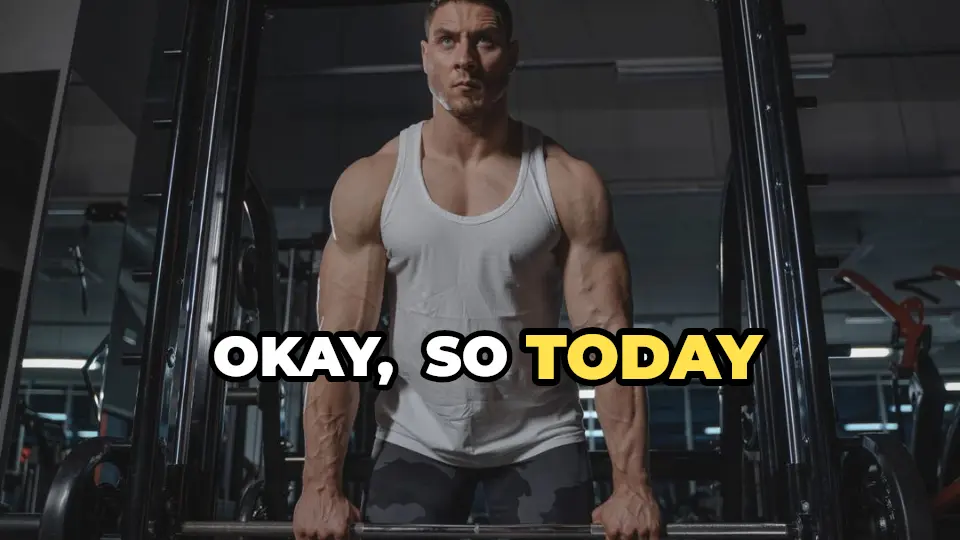
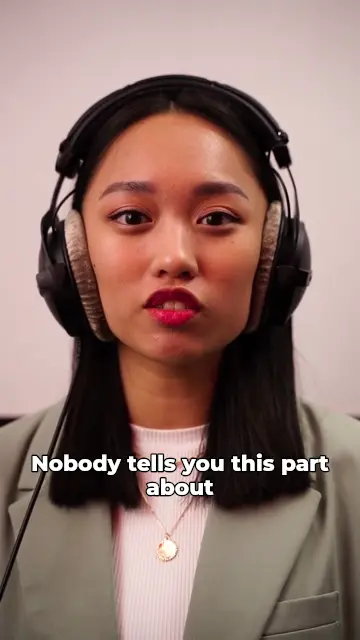
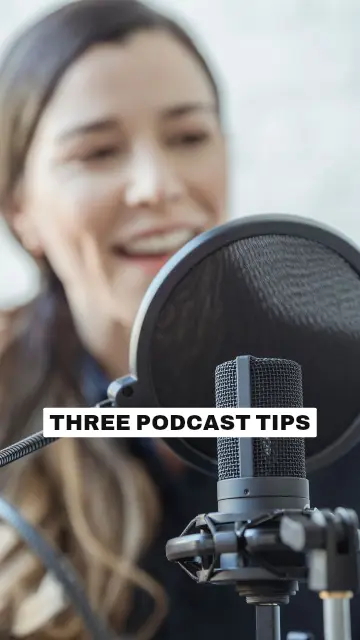
Captions timed to every word
CAPWAV transcribes your speech and lines each word up with the moment it's said, so captions appear in step with your voice — the way viewers expect on Reels, Shorts and TikTok.
It works in 90+ languages, from English, Spanish and Hindi to Arabic and Japanese, and each script gets a font made for it. Right-to-left languages, and ones written without spaces, are laid out correctly.
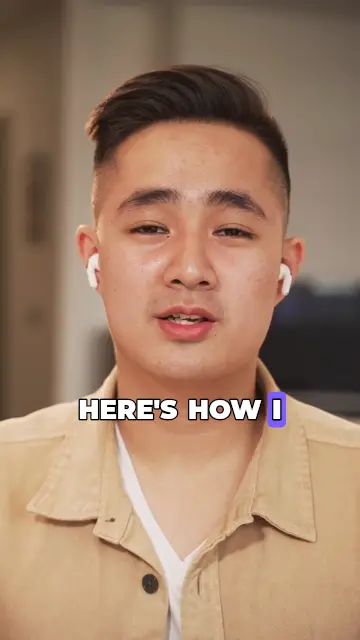
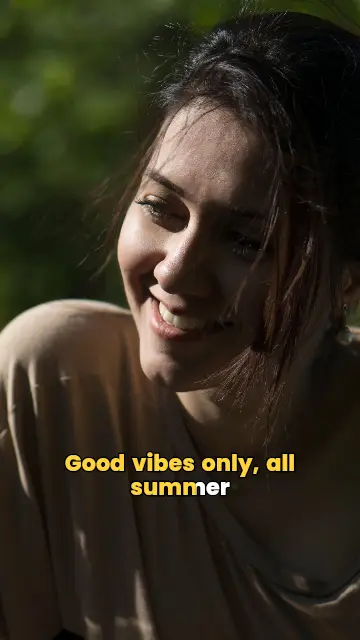
358 caption styles, made to be changed
Start from a trending, minimal, cinematic or bold style. Every style is fully editable: font, colours, size, position, and how each word animates in.
The style you pick is previewed on your own video before anything is transcribed, so what you see is what you'll export.



Edit in your browser, export in full quality
Fix a word, split a line or move a caption on the timeline. Your video stays on your device: previewing and exporting happen in the browser, and only the audio is sent to be transcribed.
Export an MP4 at your video's own resolution and frame rate, or download SRT, VTT and TXT files.
How to auto caption generatorin three steps.
- Step 01
Upload your video
Drop a clip from your phone or computer and choose its spoken language.
- Step 02
Pick a caption style
Preview any of 358 styles on your own video, then CAPWAV writes the captions word by word.
- Step 03
Edit and export
Change any word or detail, then export the video with captions burned in, or download SRT and VTT.
Is it free?
The Free plan includes 2 minutes of captions a month, every free template, and exports with the CAPWAV watermark. Paid plans add more minutes and remove the watermark.
Which languages can it caption?
90+ languages, from English, Spanish and Hindi to Arabic and Japanese. Scripts written right to left, and ones without spaces between words, are laid out correctly.
Can I fix a wrong word?
Yes. Click any word in the caption list or on the video to edit it, split it or change its timing.
Can I get a subtitle file instead?
Yes. SRT, VTT and TXT downloads are free on every plan.
Does my video get uploaded?
Editing and exporting happen in your browser, so the video stays on your device. Only the audio is sent to be transcribed.
Discover more tools
- Add subtitles to videoTimed subtitles from the speech, burned in or as a file.
- Video caption generatorAnimated captions with highlights, pop-ins and karaoke fills.
- Transcribe video to textA word-timed transcript as TXT, SRT or VTT.
- Remove silences from videoAI Cut takes out pauses and um's — every cut reversible.
Your next reel is
one upload away.
Start free with 2 minutes of captions a month. Upgrade when you're posting more.