
Burn subtitlesinto your video.
Burned-in subtitles are part of the picture, so they show on Instagram, TikTok and anywhere else, with no subtitle file needed. CAPWAV writes them from the speech and burns them in when you export.
Clean · you'll see it on your own video before captions are made. Only the audio is sent to be transcribed.
Why burn subtitles in
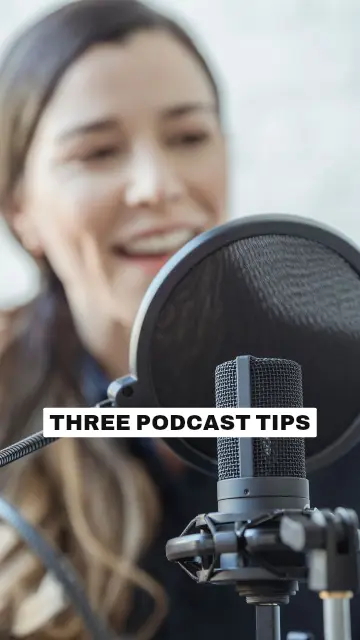
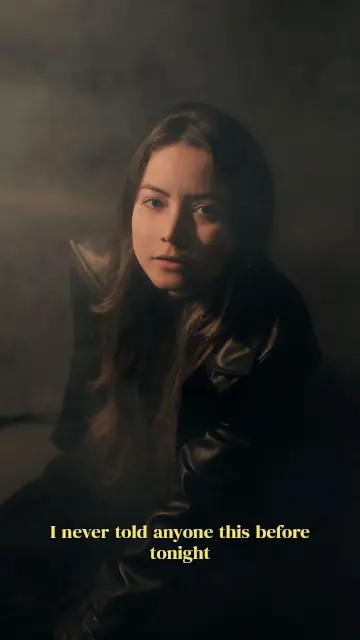
Social apps don't load separate subtitle files, and many people watch with the sound off. Burned-in subtitles are drawn into every frame, so they always show, in exactly the style you chose.
Ready for Instagram Reels, YouTube Shorts, TikTok and Snapchat
Written for you, from the speech
You don't need a subtitle file to start. CAPWAV transcribes the speech in 90+ languages and times each word; you check and correct anything before exporting.
 workout.mp4Subtitles readySpoken language: English
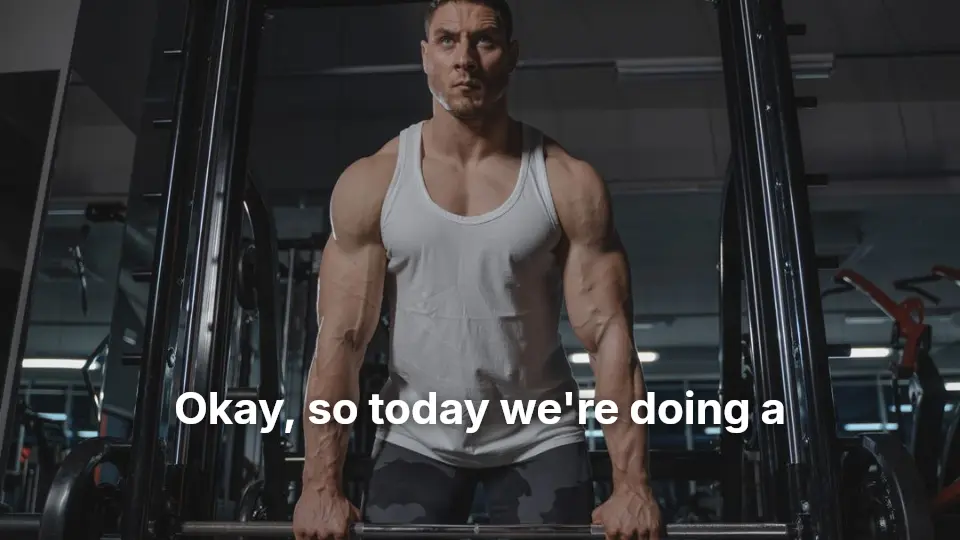
- 0:00.2Okay, so today we're doing
- 0:02.2a full-body warm-up.
- 0:03.5Keep your core tight
- 0:05.1and breathe out slowly.
Same quality as your original
The export keeps your video's resolution and frame rate, and it's made in your browser, on your device.
Free exports carry the CAPWAV watermark (take it off one video for $9.99, once); Creator and Pro exports have none.
How to burn subtitles into videoin three steps.
- Step 01
Upload your video
Add a clip and choose its spoken language. CAPWAV writes the subtitles.
- Step 02
Style the subtitles
Pick a style and adjust the font, size, colours and position.
- Step 03
Export with subtitles burned in
Download the MP4 — the subtitles are part of the picture.
Will the subtitles show on Instagram and TikTok?
Yes. They're part of the video picture, so they show everywhere the video plays.
Does burning them in lower the quality?
The video is encoded once, at its own resolution and frame rate, with its sound.
Can I still get a subtitle file?
Yes. Download SRT, VTT or TXT on every plan, including Free.
Is there a watermark?
Free exports carry the CAPWAV watermark in the middle of the video. You can take it off one video for $9.99, once; Creator and Pro exports have none.
Discover more tools
- Add subtitles to videoTimed subtitles from the speech, burned in or as a file.
- Auto caption generatorWord-by-word captions for short videos, styled and burned in.
- Video caption generatorAnimated captions with highlights, pop-ins and karaoke fills.
- SRT to VTT converterConvert SRT to VTT, VTT to SRT, or either to text.
Your next reel is
one upload away.
Start free with 2 minutes of captions a month. Upgrade when you're posting more.