
Captions forYouTube Shorts.
CAPWAV captions your Short word by word and burns the captions into a 9:16 MP4. Download the same captions as an SRT file too, for YouTube's own subtitle track.
Clean · you'll see it on your own video before captions are made. Only the audio is sent to be transcribed.
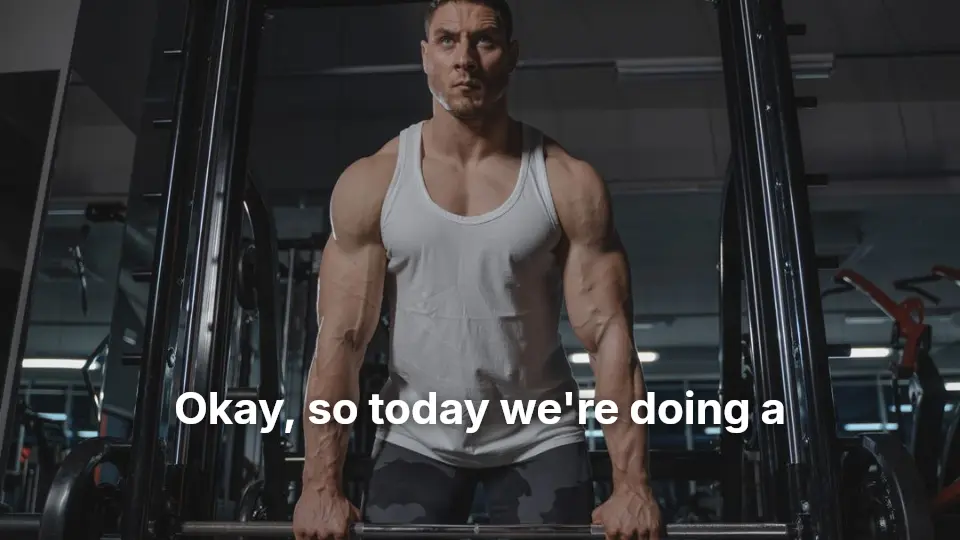
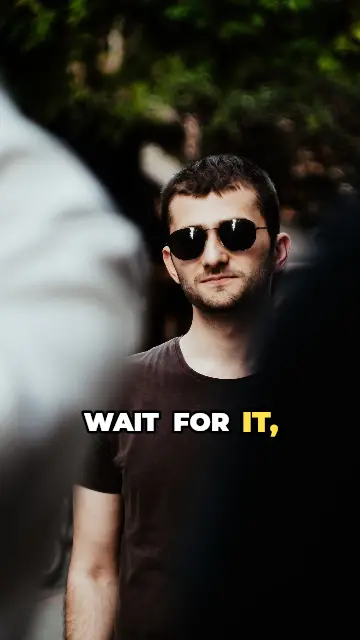
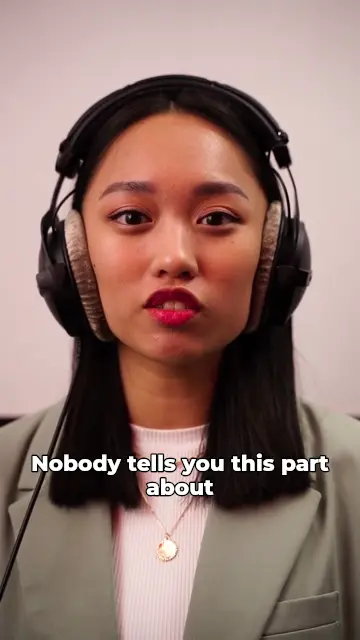
Burned in and as a subtitle file
YouTube is the one short-video platform that takes subtitle files. Post your Short with styled captions burned in for everyone, and upload the SRT in YouTube Studio so viewers can also switch YouTube's captions on.
SRT, VTT and TXT downloads are free on every plan.
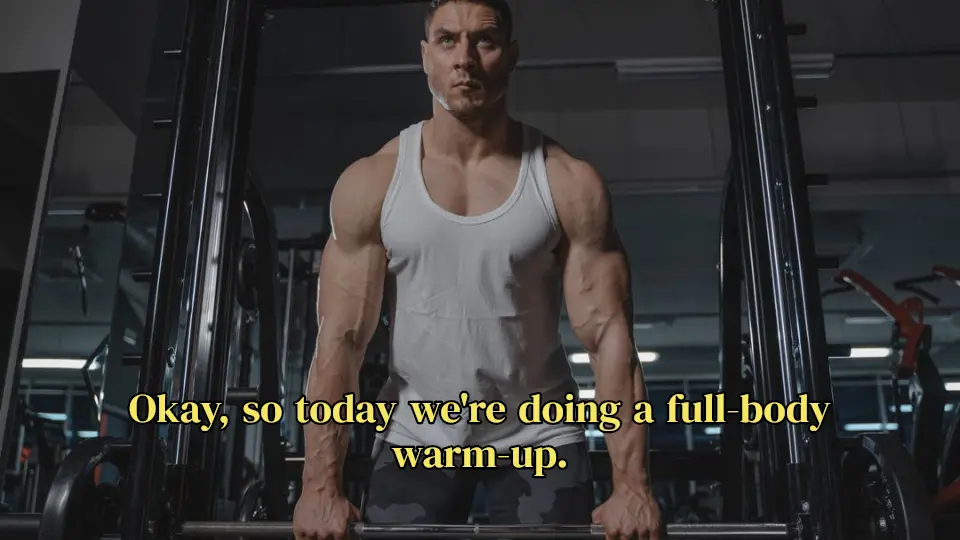
2
00:00:02,234 --> 00:00:03,470
a full-body warm-up.

3
00:00:03,530 --> 00:00:05,044
Keep your core tight
From a long video to a captioned Short
Cut your best moment, then let CAPWAV caption it. Smart Reframe (Pro) turns a landscape clip into 9:16 and follows the speaker; AI Cut (Creator and Pro) removes pauses and filler words so the Short keeps moving.
CAPWAV is built for short videos: clips up to about 15 minutes are transcribed in one go.
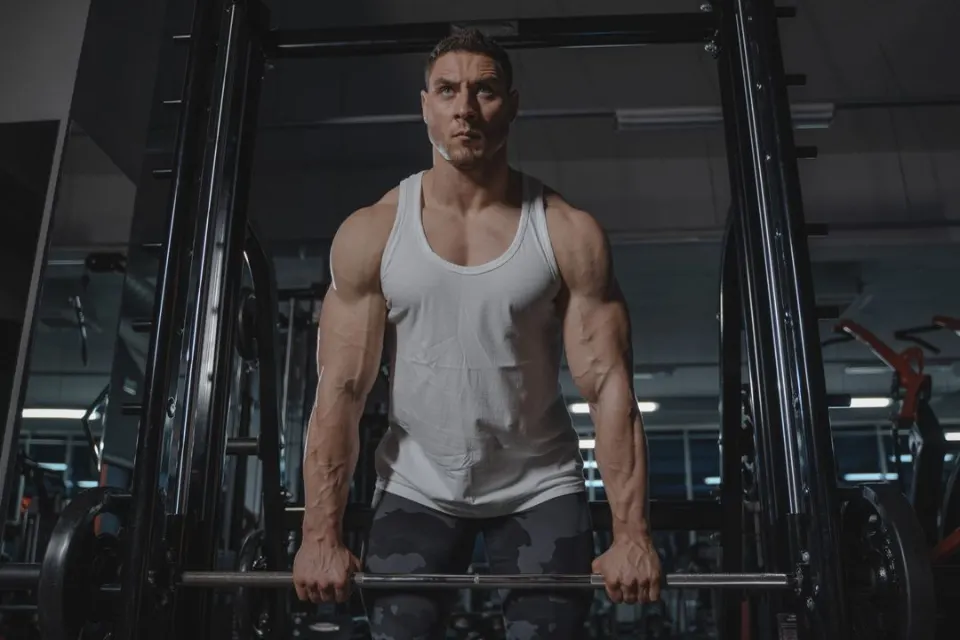
358 styles, fully editable
Pick a clean subtitle look for tutorials or a bold, animated style for hooks. Preview it on your own Short before it's captioned, and change the font, colours, size, position and animation afterwards.
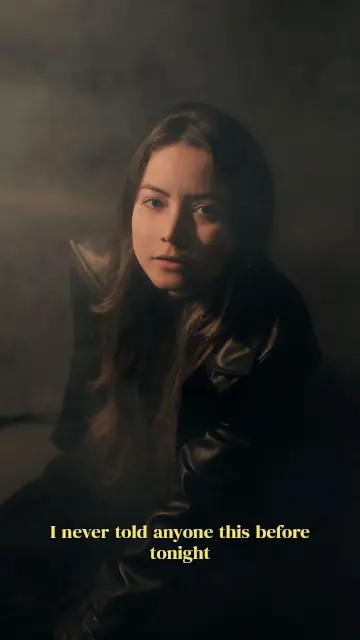
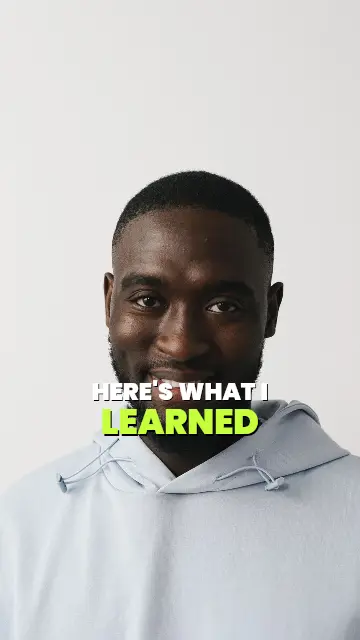
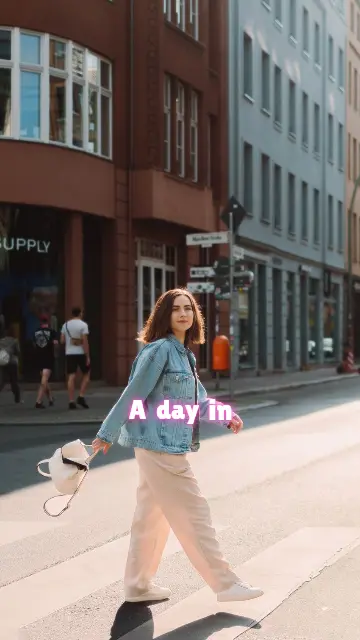
How to captions for YouTube Shortsin three steps.
- Step 01
Upload your Short
Drop the clip and choose the language spoken in it.
- Step 02
Pick a caption style
Preview styles on your own video, then CAPWAV writes the captions word by word.
- Step 03
Export the video and SRT
Export the MP4 with captions burned in, and download the SRT for YouTube Studio if you want both.
Is it free?
The Free plan includes 2 minutes of captions a month; exports carry the CAPWAV watermark, and SRT, VTT and TXT downloads are free. Paid plans add minutes and remove the watermark.
Can I upload the captions to YouTube as subtitles?
Yes. Download the SRT or VTT file and add it to your Short in YouTube Studio.
Should I burn captions in or use YouTube's captions?
Both work best together: burned-in captions are seen by everyone in your style, and the uploaded file gives viewers YouTube's switchable captions.
Can it turn a landscape video into a Short?
Yes, on the Pro plan: Smart Reframe crops to 9:16 and follows the speaker, then the captions are laid out for the vertical frame.
Discover more tools
- Captions for Instagram ReelsAnimated captions burned into your Reels, timed to every word.
- Captions for TikTokBold, animated TikTok captions that follow every word.
- Resize video for ReelsLandscape to 9:16 that follows the speaker.
- Transcribe video to textA word-timed transcript as TXT, SRT or VTT.
Your next reel is
one upload away.
Start free with 2 minutes of captions a month. Upgrade when you're posting more.