
Captions forInstagram Reels.
Drop in a Reel and CAPWAV writes the captions for you, timed to each word, in the style you pick. Export a 9:16 MP4 with the captions burned in and post it straight to Instagram.
Karaoke Fill · you'll see it on your own video before captions are made. Only the audio is sent to be transcribed.
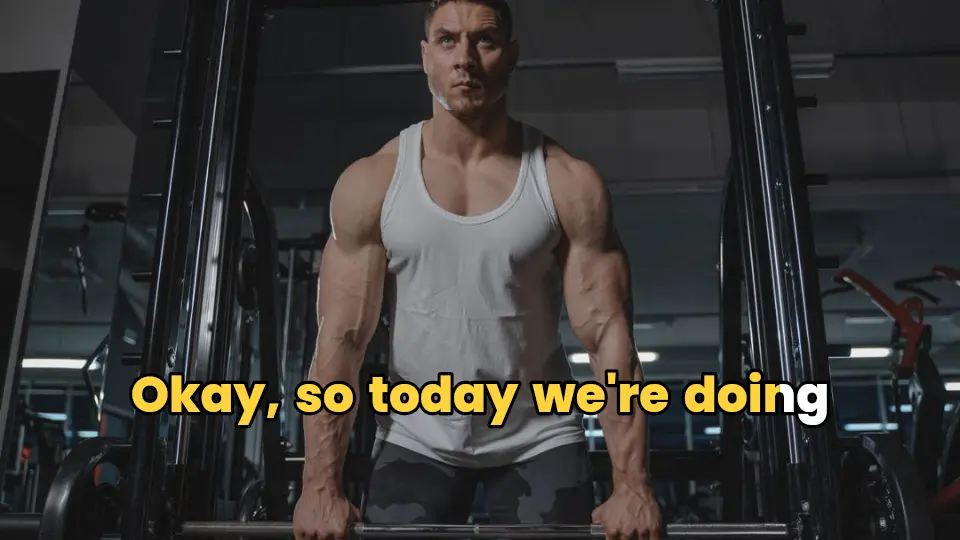
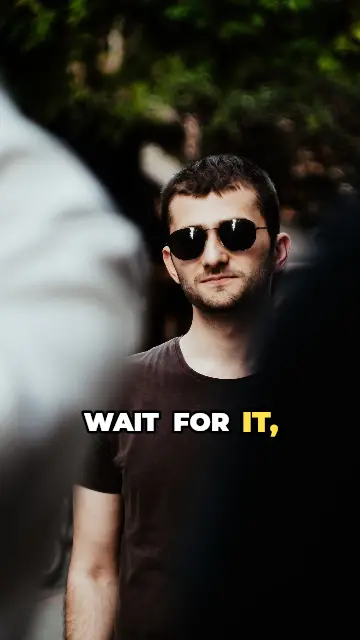
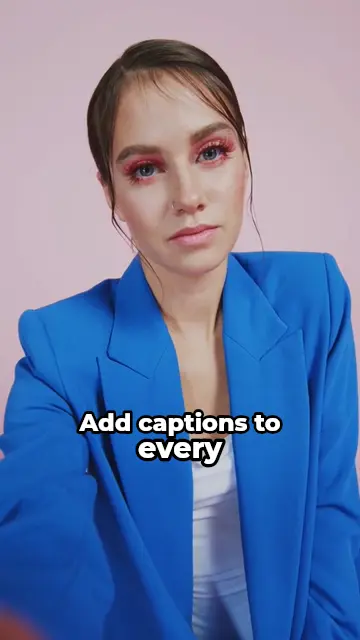
Captions every viewer sees
Reels are often watched with the sound off. Burned-in captions are part of the video, so every viewer sees them, in your font and colours, and they stay when the Reel is shared, downloaded or posted to TikTok and Shorts too.
Instagram's own captions are plain and the viewer can turn them off. CAPWAV's are styled, animated and always there.
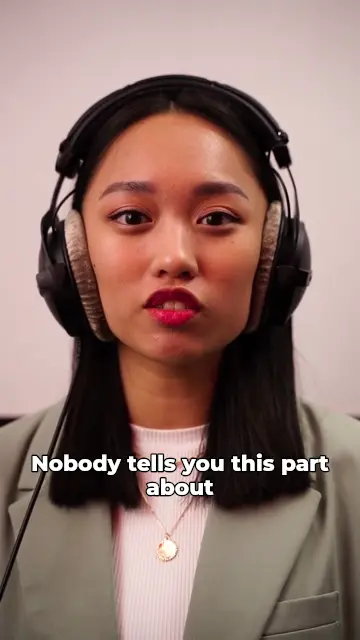
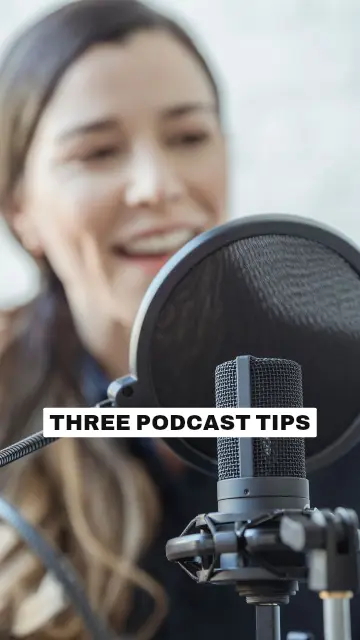
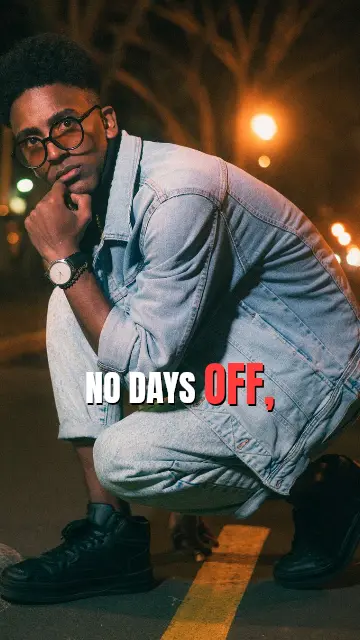
358 styles made for Reels
Word-by-word highlight for talking videos, bold pop for hooks, boxed captions for busy backgrounds, cinematic and aesthetic looks for travel and lifestyle edits. Preview any style on your own Reel before it's captioned, then change the font, colours, size, position and animation.
Keep captions clear of Instagram's name, caption and buttons: move them up or down in the editor and the preview shows exactly what you'll post.
Ready for Instagram Reels, YouTube Shorts, TikTok and Snapchat
Shorter, tighter, vertical
AI Cut removes pauses and filler words before you caption (Creator and Pro). Filmed landscape? Smart Reframe turns the video into 9:16 and follows the speaker (Pro).
Your video stays on your device while you edit and export; only the audio is sent to be transcribed.
How to captions for Instagram Reelsin three steps.
- Step 01
Upload your Reel
Drop the video from your phone or computer and choose the language you speak in it.
- Step 02
Pick a style
Preview caption styles on your own Reel, then CAPWAV writes the captions word by word.
- Step 03
Export and post
Fix any word, export a 9:16 MP4 with the captions burned in, and upload it to Instagram.
Is it free?
The Free plan includes 2 minutes of captions a month, every free style, and exports with the CAPWAV watermark. Paid plans add minutes and remove the watermark.
Will the captions show on Instagram?
Yes. They're burned into the video, so they show for every viewer, with nothing to switch on.
Can I upload an SRT file to Instagram instead?
Reels don't take subtitle files, which is why captions are burned in. You can still download SRT, VTT or TXT for other platforms, free.
Where should captions go on a Reel?
Out of the bottom fifth of the frame and away from the right edge, where Instagram shows its own text and buttons. See our caption safe zones guide.
Which languages can I caption Reels in?
90+ languages, from English, Spanish and Hindi to Arabic and Japanese. Creator and Pro can also translate captions into 75 languages.
Discover more tools
- Captions for TikTokBold, animated TikTok captions that follow every word.
- Captions for YouTube ShortsBurned-in captions for Shorts, plus the SRT for YouTube Studio.
- Auto caption generatorWord-by-word captions for short videos, styled and burned in.
- Resize video for ReelsLandscape to 9:16 that follows the speaker.
Your next reel is
one upload away.
Start free with 2 minutes of captions a month. Upgrade when you're posting more.