
TikTok captions,word by word.
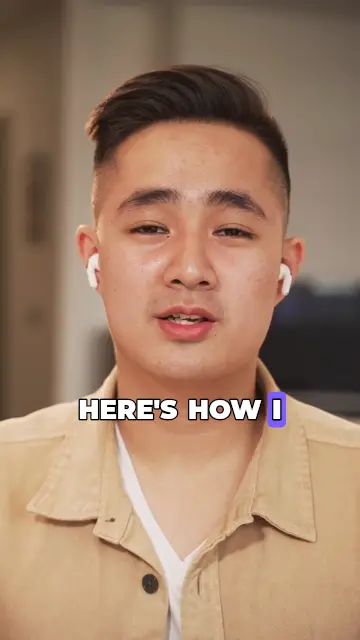
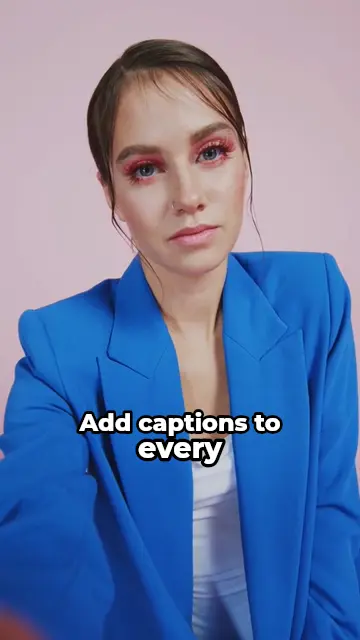
Upload your TikTok and CAPWAV transcribes it, times every word and draws the captions in the style you choose: karaoke highlights, bold pop words, emoji and more. Export the MP4 and post.
Bold Pop · you'll see it on your own video before captions are made. Only the audio is sent to be transcribed.
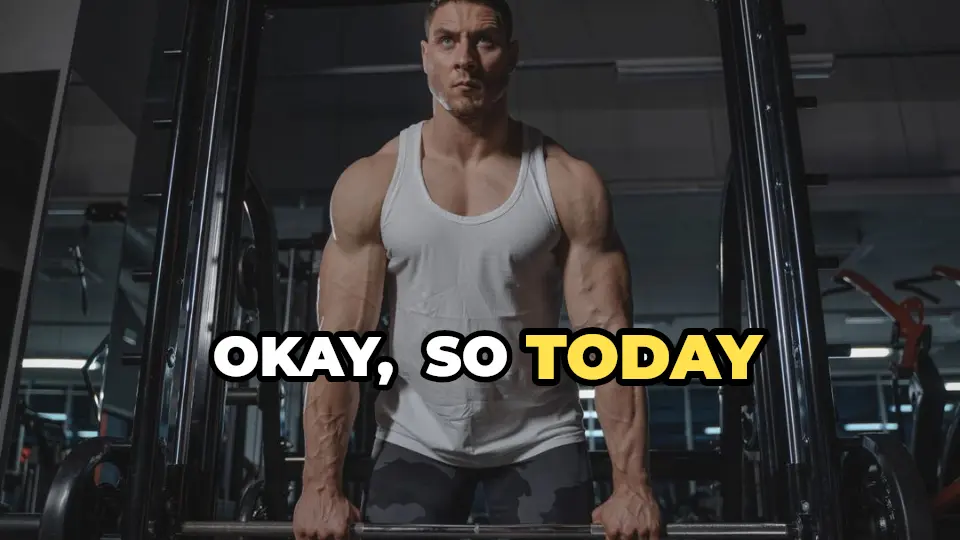
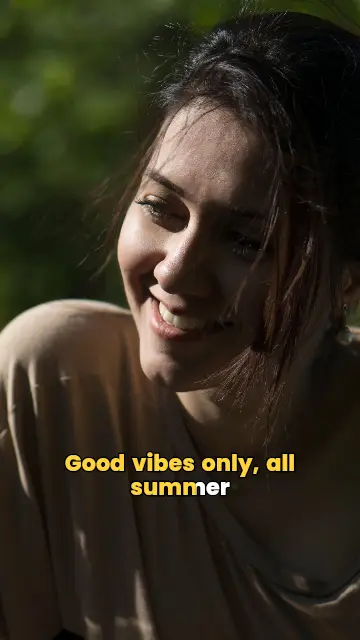
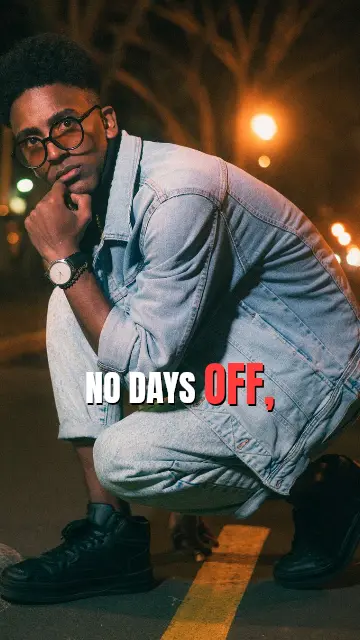
Made for TikTok's pace
Fast talking needs captions that keep up. Each word appears or lights up exactly when it's said, a few words at a time, so viewers follow along without sound.
Bold pop and word-by-word highlight styles are built for hooks and punchlines; minimal styles suit tutorials. Every one can be changed: font, colours, size, position and animation.
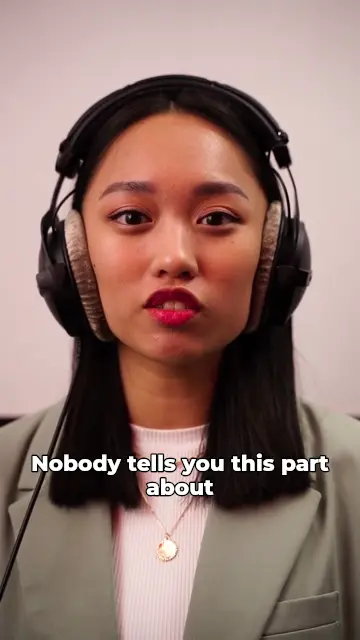
Cut the pauses, then caption
AI Cut removes silences and filler words like “um” and “uh” (Creator and Pro), so the video moves as fast as TikTok does. The captions follow the cut automatically.
On the Pro plan, AI emphasis highlights the key words and adds emoji, and Smart Reframe turns landscape footage into 9:16.
358 caption styles, 90+ languages
Caption TikToks in 90+ languages, each script with a font made for it. Creator and Pro can translate the captions into 75 languages as they're made, so one video reaches more people.
Export an MP4 at your video's own size, or at 1080p, 2K or 4K, rendered on your device.
Ready for Instagram Reels, YouTube Shorts, TikTok and Snapchat
How to captions for TikTokin three steps.
- Step 01
Upload your TikTok
Drop your video and choose the language spoken in it.
- Step 02
Choose a caption style
Preview any of 358 styles on your own video, then let CAPWAV caption every word.
- Step 03
Export and post
Edit any word, export the MP4 with captions burned in, and upload it to TikTok.
Is it free to caption TikToks with CAPWAV?
The Free plan includes 2 minutes of captions a month and every free style; exports carry the CAPWAV watermark. Paid plans add minutes and remove it.
Does TikTok keep the captions?
Yes. They're burned into the video, so TikTok shows them for every viewer and they stay if the video is downloaded or reposted.
Can I add emoji to my captions?
Yes. Add any emoji by hand on every plan; AI auto-emoji and AI emphasis are part of the Pro plan.
Where should captions go on TikTok?
Above the bottom fifth of the frame and away from the right edge, where TikTok shows its buttons and your description.
How long can the video be?
CAPWAV is made for short videos: clips up to about 15 minutes are transcribed in one go.
Discover more tools
- Captions for Instagram ReelsAnimated captions burned into your Reels, timed to every word.
- Captions for YouTube ShortsBurned-in captions for Shorts, plus the SRT for YouTube Studio.
- Remove silences from videoAI Cut takes out pauses and um's — every cut reversible.
- Auto caption generatorWord-by-word captions for short videos, styled and burned in.
Your next reel is
one upload away.
Start free with 2 minutes of captions a month. Upgrade when you're posting more.