
Hindi subtitles,made automatically.
Upload a video in Hindi and CAPWAV writes the subtitles for you, word by word, for viewers in India and the Indian diaspora. Style them, fix any word, then burn them into the video or download SRT and VTT.
Clean · you'll see it on your own video before captions are made. Only the audio is sent to be transcribed.
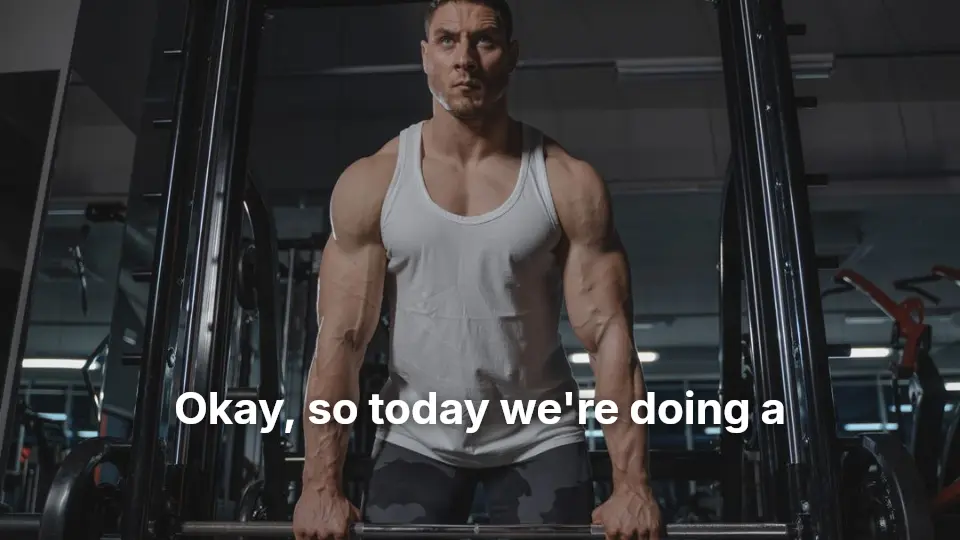
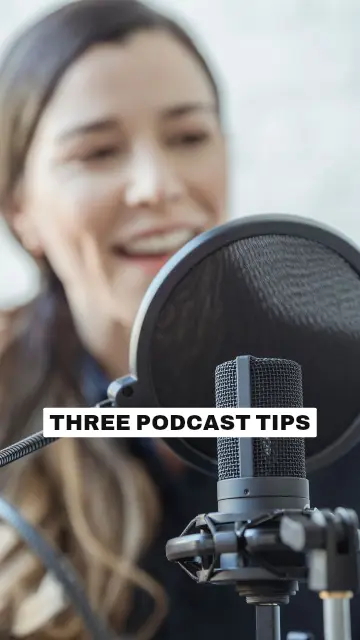
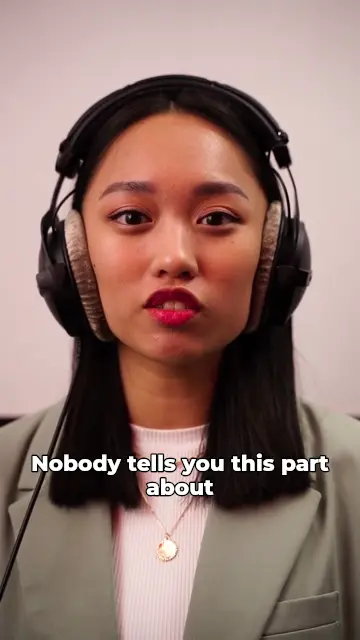
Hindi captions, timed to every word
Choose Hindi as the spoken language and CAPWAV transcribes the speech, lining each word up with the moment it's said. Hindi is transcribed with high accuracy.
Click any word to correct it, and the captions stay in step with the video. Your video stays on your device; only the audio is sent to be transcribed.
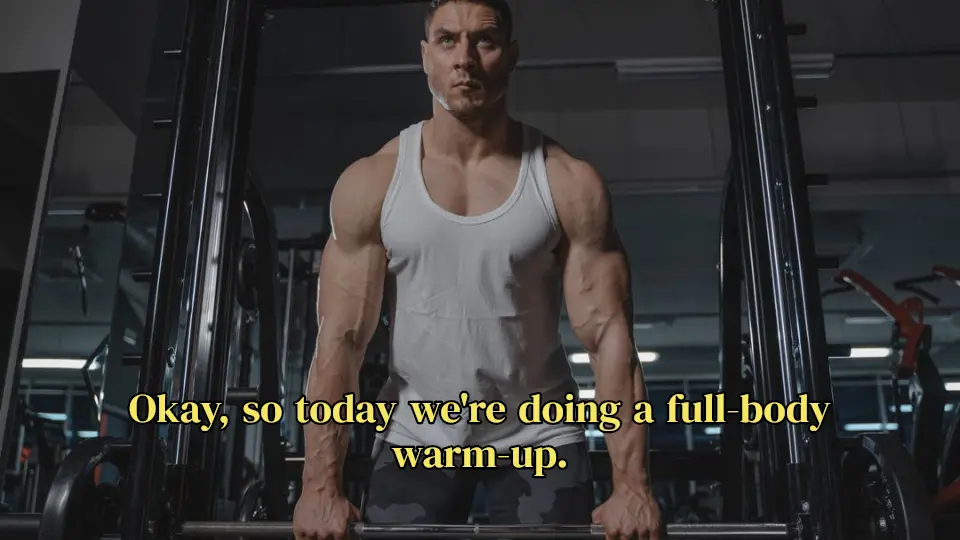
 workout.mp4Subtitles readySpoken language: English
- 0:00.2Okay, so today we're doing
- 0:02.2a full-body warm-up.
- 0:03.5Keep your core tight
- 0:05.1and breathe out slowly.
Written in Devanagari
Hindi captions are written in Devanagari and drawn with caption fonts that include it (Poppins, Teko, Baloo 2), so a line like “इसे आख़िर तक देखिए” is never shown as boxes.
Every style can be changed: font, colours, size, position and how each word animates.



Translate to and from Hindi
On the Creator and Pro plans, captions can be translated as they're made: caption a Hindi video in English or any of 75 languages, or caption an English video in Hindi.
Download the Hindi subtitles as SRT, VTT or TXT, free on every plan, saved as UTF-8 so the text shows correctly everywhere.
2
00:00:02,234 --> 00:00:03,470
a full-body warm-up.

3
00:00:03,530 --> 00:00:05,044
Keep your core tight
How to hindi subtitle generatorin three steps.
- Step 01
Upload your video
Drop a clip and choose Hindi as the language spoken in it.
- Step 02
Pick a style
Preview a caption style on your own video, then CAPWAV writes the Hindi captions word by word.
- Step 03
Export or download
Fix any word, then export the MP4 with the captions burned in, or download SRT, VTT and TXT.
Is the Hindi subtitle generator free?
The Free plan includes 2 minutes of captions a month and every free style; exports carry the CAPWAV watermark. Paid plans add minutes and remove it. SRT, VTT and TXT downloads are free.
Can I translate Hindi captions into English?
Yes, on the Creator and Pro plans. Tick Translate when you make the captions and choose English, or any of 75 languages. English videos can be captioned in Hindi the same way.
Can I download Hindi subtitles as an SRT file?
Yes. SRT, VTT and TXT downloads are free on every plan, in UTF-8, so every letter shows correctly.
What if a word is transcribed wrong?
Click it in the caption list or on the video and type the correct word. Timing stays in step.
Which other languages does CAPWAV caption?
90+ languages. Choose the spoken language when you start a video.
Discover more tools
- Auto caption generatorWord-by-word captions for short videos, styled and burned in.
- English subtitle generatorCaptions and subtitles in English (English), timed to every word.
- Spanish subtitle generatorCaptions and subtitles in Spanish (Español), timed to every word.
- Add subtitles to videoTimed subtitles from the speech, burned in or as a file.
Your next reel is
one upload away.
Start free with 2 minutes of captions a month. Upgrade when you're posting more.