

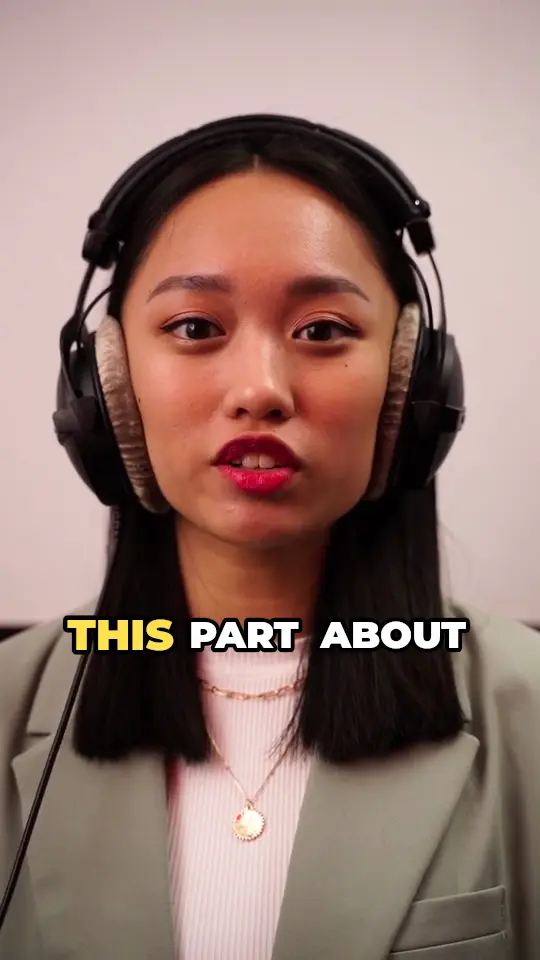



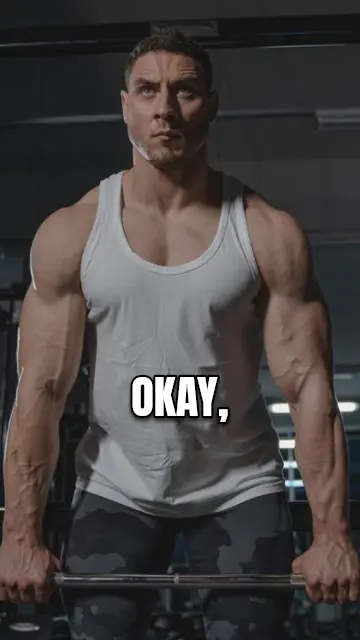

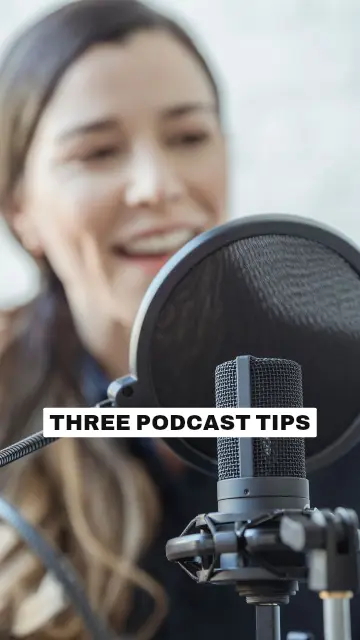

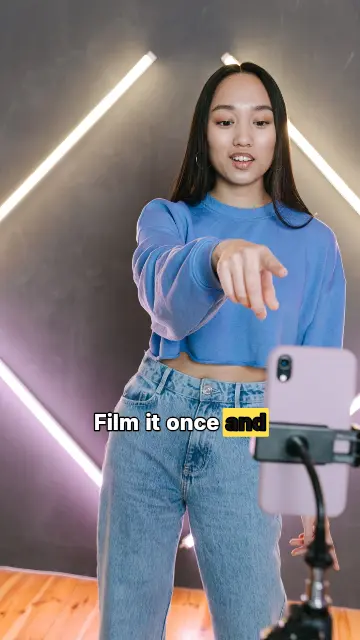





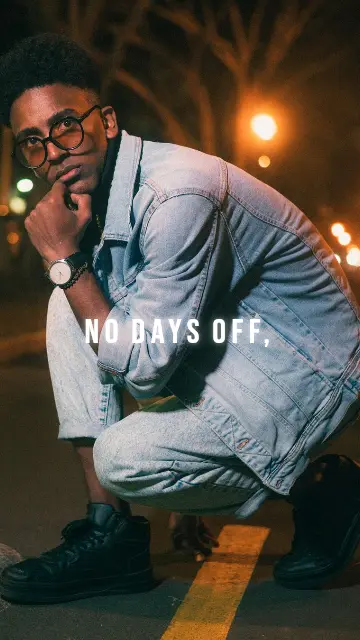

Captions in the language you speak
90+ languages, detected automatically. Each one uses fonts made for its script.

Auto captions in 90+ languages, 358 caption styles, AI Cut and Smart Reframe. Your video stays on your device; only the audio is sent to be transcribed.
Free to start · 2 minutes of captions a month · no credit card
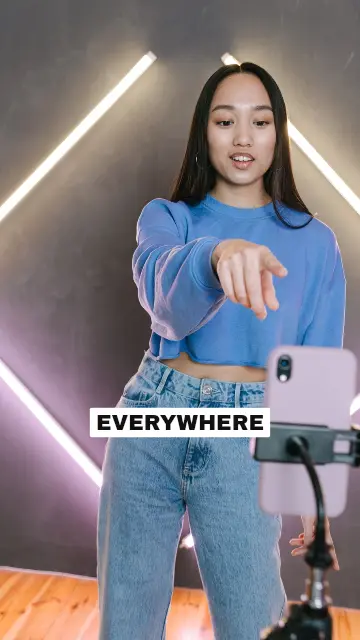

Ready to post on
Each style is made for a kind of video, from clean business subtitles to loud gaming captions. Pick one and see it on your own video first.
Browse all stylesDrop an MP4, MOV or WebM from your phone or computer. It stays on your device.
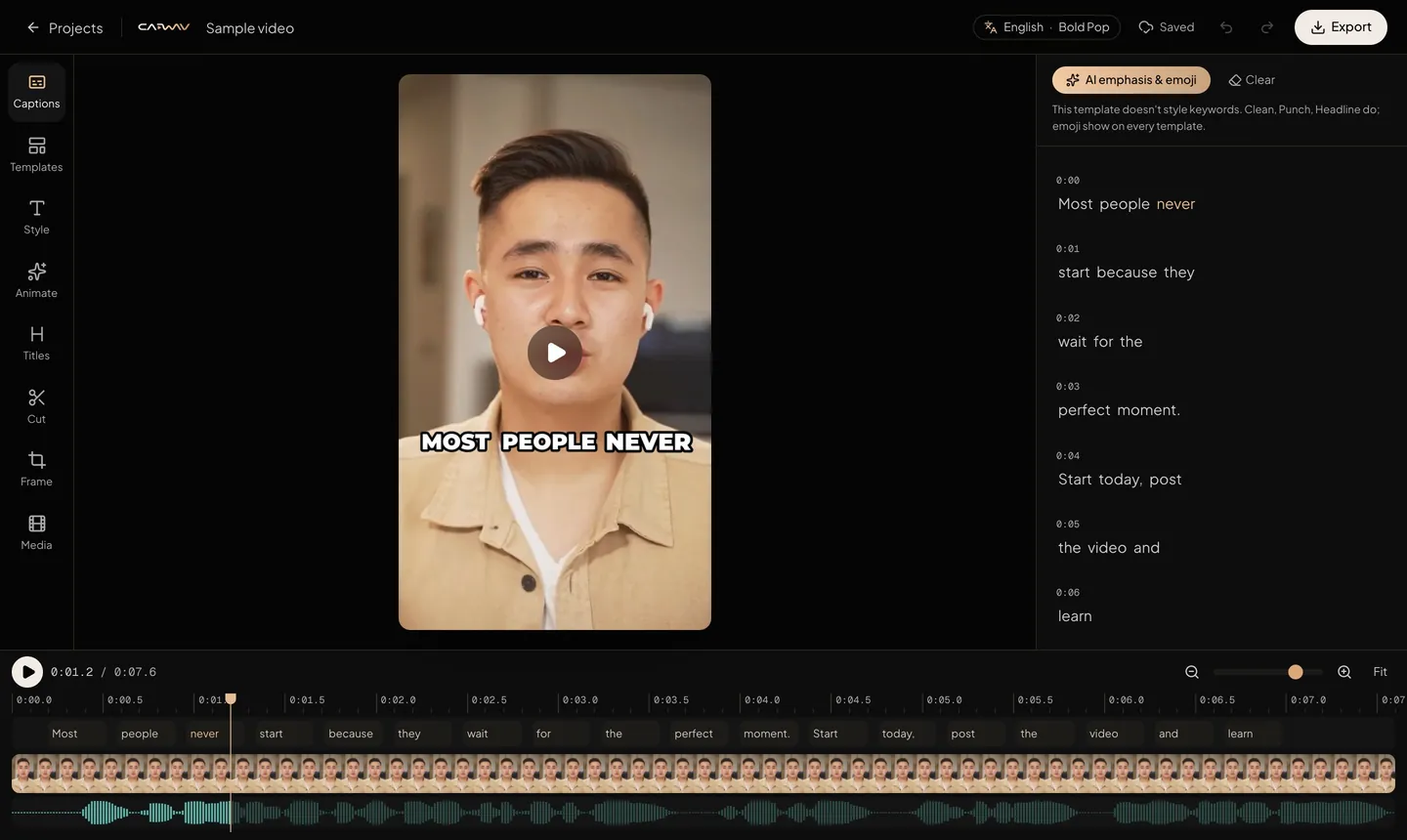
See every caption style on your own video, choose the spoken language, and press Create captions.
Change any word, then download an MP4 with captions burned in, or subtitle files for anywhere else.
90+ languages, detected automatically. Each one uses fonts made for its script.
Removes pauses and filler words like “um” and “uh”, right on your device.
Turns a landscape video vertical and keeps the speaker in frame.
Save your fonts, colours and logo in a Brand Kit.
An MP4 with captions burned in, up to 1080 × 1920, or SRT, VTT and TXT files.
Your video never uploads. It stays on your device; only the audio is sent to be transcribed.
Try CAPWAV free.
$0forever
For creators posting every week.
$19/month
For brands and busy teams.
$49/month
Discover more
CAPWAV turns raw talking videos into reels that are ready to post. It transcribes your speech, adds styled captions, cuts silences, reframes your shot for vertical video and exports in full quality — all in your browser.
Upload your video and CAPWAV transcribes the speech and adds animated, word-by-word captions automatically. Pick a caption style, fix any word, then export the video with the captions burned in — or download an SRT or VTT subtitle file.
Yes. Videos export in vertical 9:16 at up to 1080 × 1920 with the captions burned in, ready to post on Reels, Shorts and TikTok. Smart Reframe (Pro plan) turns a landscape video into a vertical one and keeps the speaker in frame.
Captions work in 90+ languages, including English, Spanish, Portuguese, French, German, Hindi, Arabic, Japanese and many more. Each language uses fonts made for its script.
No. CAPWAV runs in a modern browser on desktop or phone. Your video is processed on your device for preview and export, so you don't wait for uploads to render.
Yes. Every template can be customised, and the Brand Kit saves your fonts, colours and logo so every video looks like yours.
Yes. You can download SRT, VTT or plain-text transcripts on every plan, including Free.
Yes. You can start for free without a credit card. Free exports carry the CAPWAV watermark. You can take it off one video for $9.99, once, or a paid plan removes it from every video and adds more minutes.
Start free with 2 minutes of captions a month. Upgrade when you're posting more.